Data Import
Overview
Section titled “Overview”Rebase supports importing data from:
- CSV files
- JSON files
- Excel (
.xlsx) files
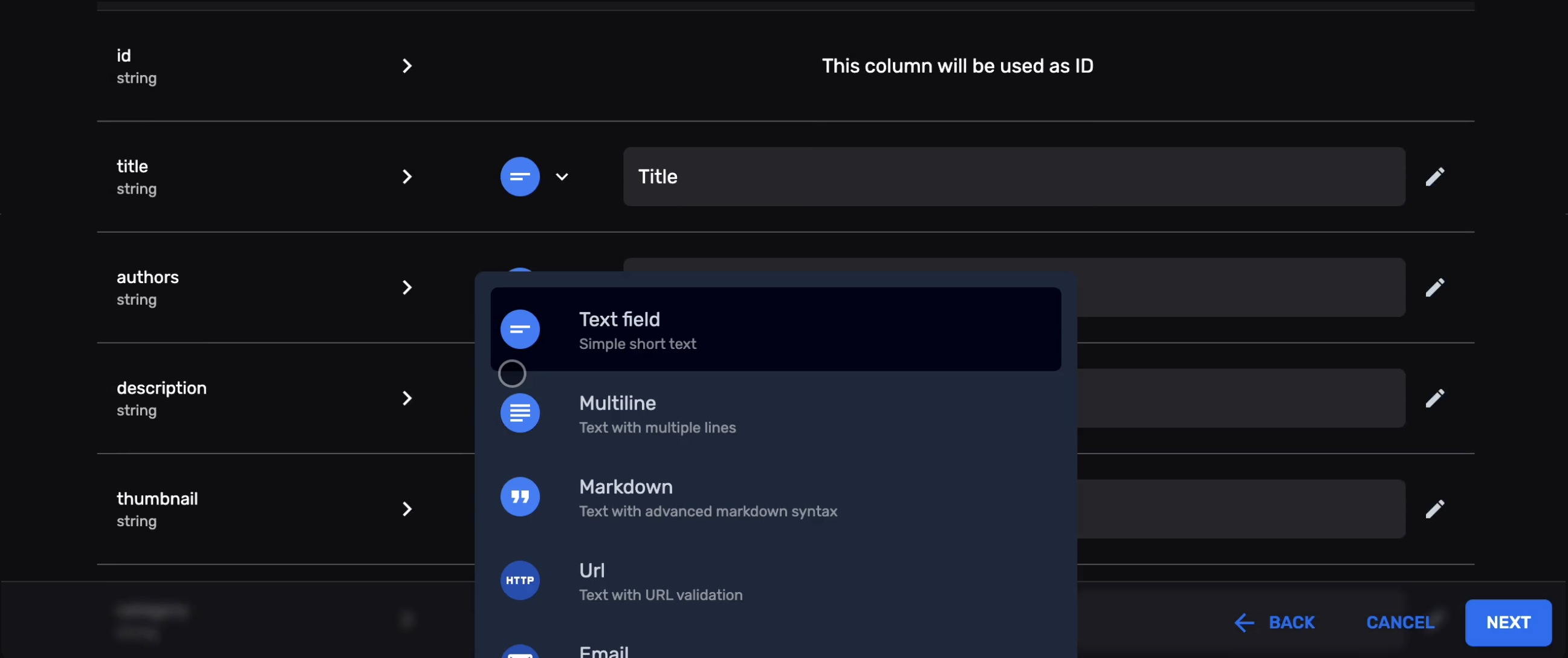
The import wizard handles column mapping, data type coercion, and validation.
How to Import
Section titled “How to Import”- Open a collection in the admin panel
- Click the Import button in the toolbar
- Select or drag-drop your file
- Map file columns to collection properties
- Preview the data and resolve any validation errors
- Click Import to save all entities
Configuration
Section titled “Configuration”Enable/disable import per collection:
const productsCollection: EntityCollection = { slug: "products", // Import is enabled by default // To disable: // importable: false properties: { /* ... */ }};Next Steps
Section titled “Next Steps”- Data Export — Export data to CSV/JSON