
Entity Views
Overview
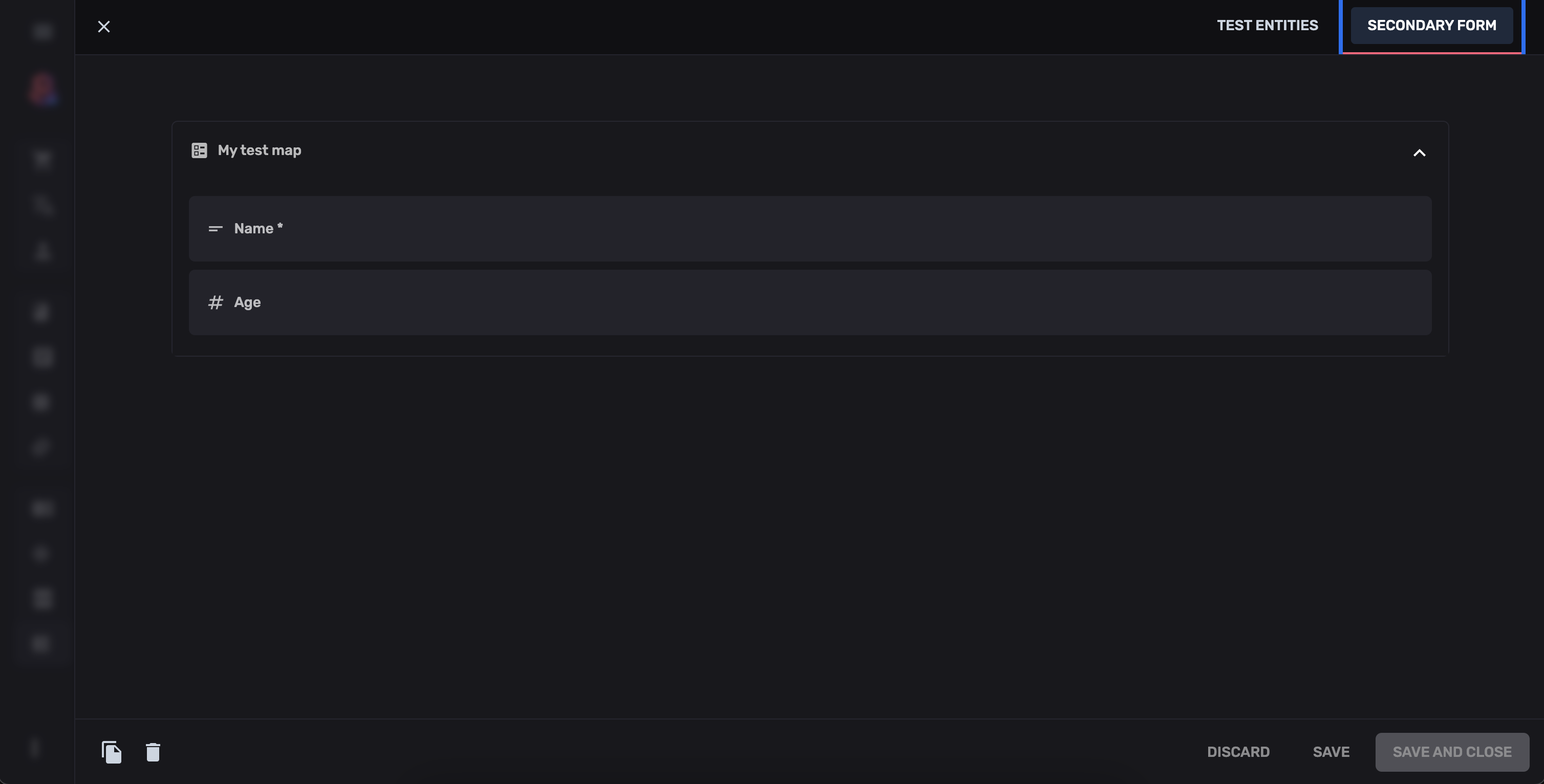
Section titled “Overview”Entity views let you add custom tabs to the entity detail page alongside the default form. Use them for:
- Live previews (website preview, rendered content)
- Related data views (order items, child entities)
- Analytics or charts
- Custom editors (rich text, map editors)
Adding Entity Views
Section titled “Adding Entity Views”import { defineCollection } from "@rebasepro/cms-types";const articlesCollection = defineCollection({ slug: "articles", table: "articles", name: "Articles", properties: { /* ... */ }, admin: { entityViews: [ { key: "preview", name: "Preview", Builder: ArticlePreview }, { key: "related", name: "Related Articles", Builder: RelatedArticlesView } ] }});Building an Entity View
Section titled “Building an Entity View”import type { EntityCustomViewParams } from "@rebasepro/cms-types";
function ArticlePreview({ entity, modifiedValues, formContext}: EntityCustomViewParams) { // modifiedValues has the unsaved, live form values. Both it and // entity.values are open records, so narrow before rendering. const title = String(modifiedValues?.title ?? entity?.values?.title ?? ""); const content = String(modifiedValues?.content ?? entity?.values?.content ?? "");
return ( <div className="p-8 max-w-2xl mx-auto"> <h1 className="text-xl font-semibold tracking-[-0.01em]">{title}</h1> <div dangerouslySetInnerHTML={{ __html: content }} /> </div> );}EntityCustomViewParams
Section titled “EntityCustomViewParams”| Prop | Type | Description |
|---|---|---|
entity |
Entity |
The saved entity (null for new entities) |
modifiedValues |
EntityValues |
Current unsaved form values (live as user types) |
formContext |
FormContext |
Full form context |
collection |
CollectionConfig |
Collection definition |
Controlling Position
Section titled “Controlling Position”Views appear as tabs. You can configure their position:
entityViews: [ { key: "preview", name: "Preview", Builder: ArticlePreview, position: "start" // Appears before the default form tab }]Next Steps
Section titled “Next Steps”- Custom Fields — Build custom form fields
- Entity Actions — Custom action buttons