The admin panel,
as a separate product.
A complete back office, generated from the collections your backend already uses. It is a layer on top — not part of the backend. Add it when a human needs to touch the data, skip it when nobody does, and remove it without your API noticing.
Back offices teams run on Rebase every day

01·The tour
Not a table viewer. A place to work.
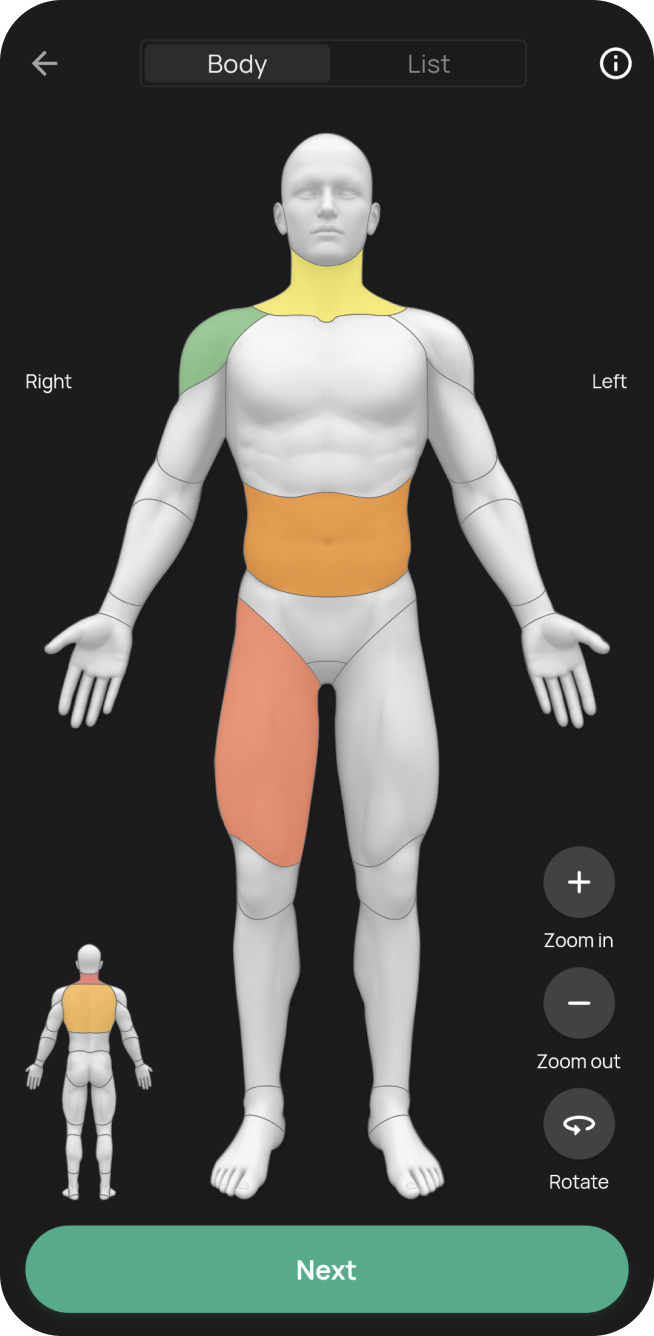
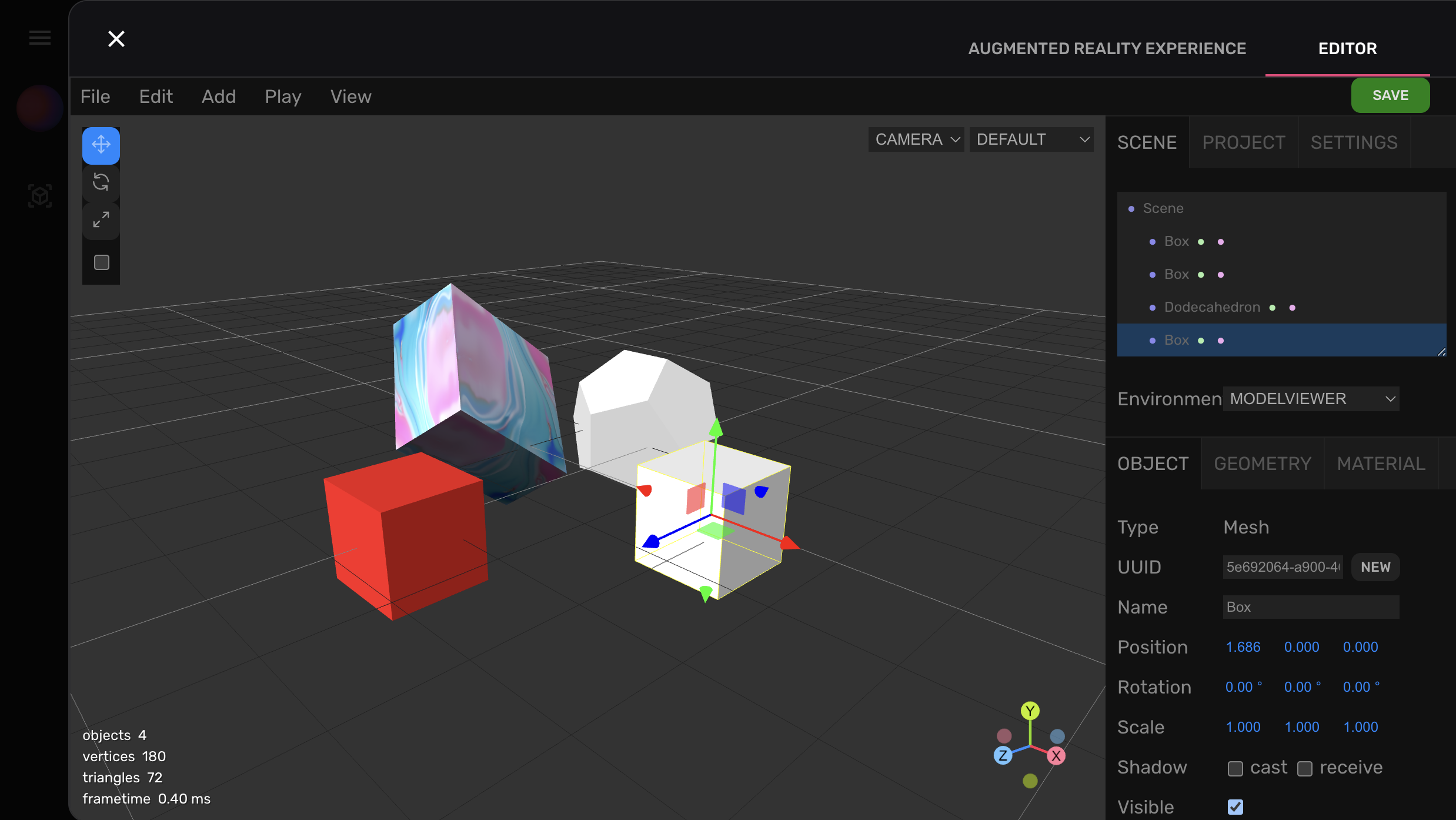
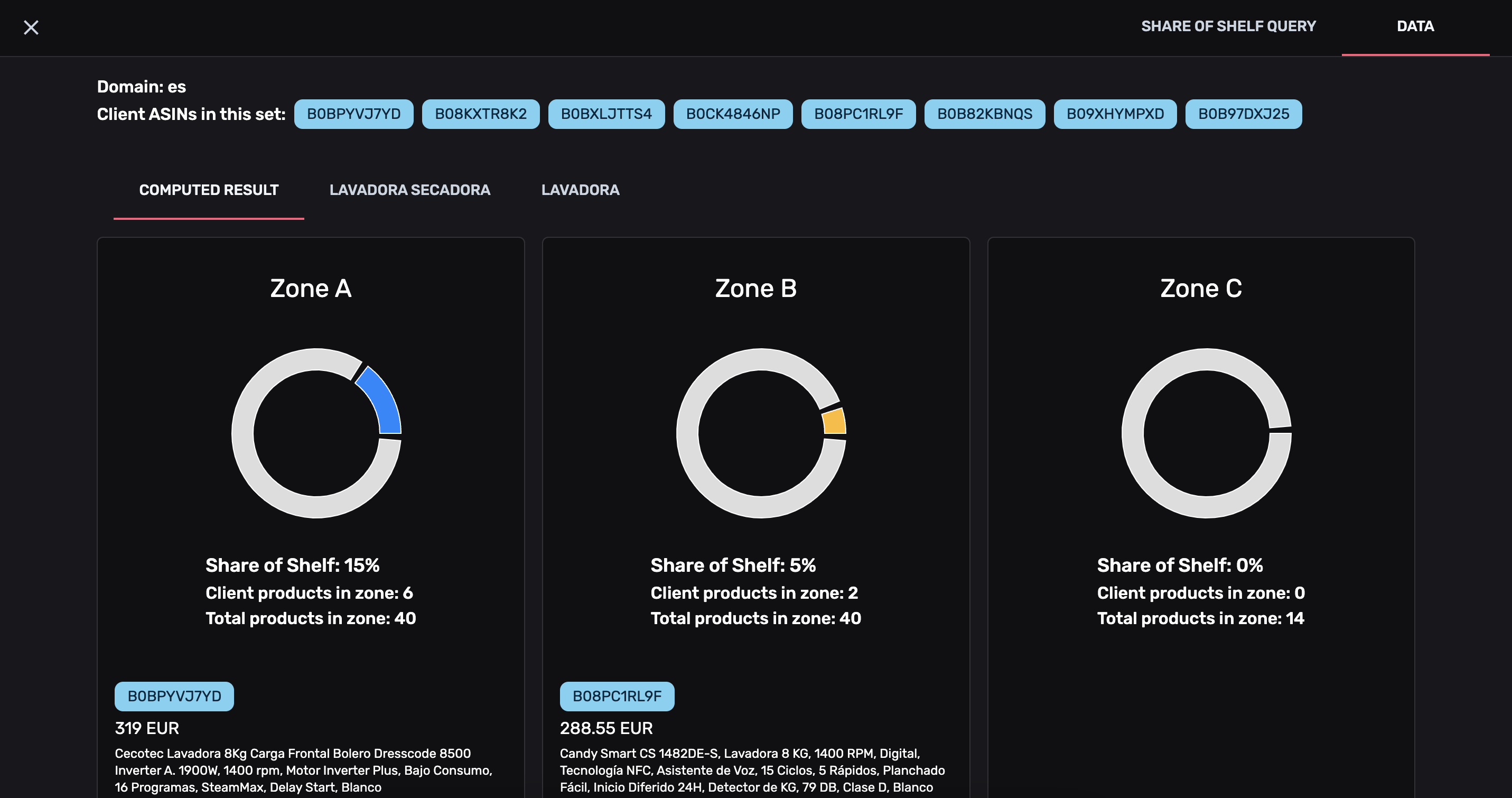
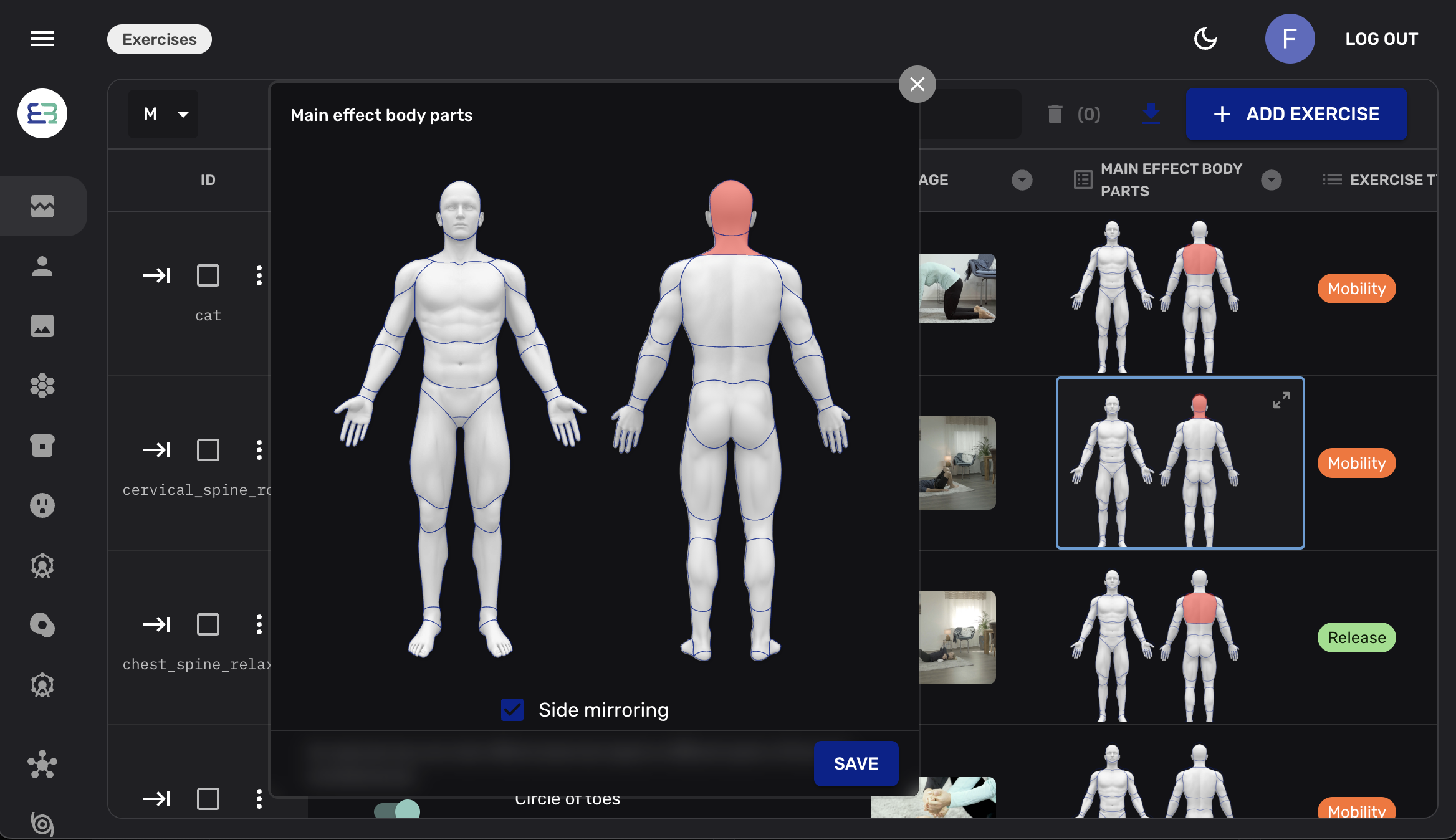
Everything below is generated from the same collection definitions your API is served from. Nobody drew these screens.












02·Day to day
What the people who are not developers actually get
Every view, no code. The same rows as a data grid, cards, a list or a Kanban board. Switch layout, filter live, edit in place.
Relations as navigation. Foreign keys and many-to-many joins become tabs. Attach existing rows or create related records without leaving the entity.
Media that belongs to a row. Uploads land in your storage bucket and resolve inline — thumbnails in the list, previews in the form.
History and revert. Who changed what, when. Compare two versions side by side and roll one back.
Users, roles and what they can reach. The same roles your RLS policies read, managed by people who will never open psql.
Import, export, bulk edit. CSV, JSON or Excel in with field mapping; one click out. Thousands of rows without a migration script.
File storage, in the panel — the same bucket your API writes to, not a second one.
03·Yours to extend
It is a React app. Treat it like one.
Point a property at your own component and the generated form gets out of the way. Custom fields, custom previews, whole custom entity views, extra actions in the toolbar — written in the React you already write, referenced from theadmin block by path.
status: {
  name: "Status",
  type: "string",
  enum: { paid: "Paid", refunded: "Refunded" },
  admin: {
    // your own React component, resolved at build time
    Field: "./components/StatusPicker",
    Preview: "./components/StatusChip",
  },
},Your component renders in the form and in the list, with the entity, the collection and the SDK handed to it as props.
Twenty-odd field types ship with the panel. Everything beyond them is a component you write, not a feature request you file.
04·The cost of adding it
A layer, not a lock-in
Rebase split the admin panel out of the backend contract, and the line is visible in your own project: the backend half of a collection, and theadmin half the server never reads.
# one dependency more than a headless project
~ pnpm add @rebasepro/admin-types

// config/admin.d.ts — one line, once per project
/// <reference types="@rebasepro/admin-types" />
Without that reference, an admin key on a collection is a type error. Presentation cannot drift into a headless project by accident.
export const orders: PostgresCollectionConfig = {
  // … the backend half: table, properties, securityRules

  admin: {
    icon: "ShoppingCart",
    group: "E-Commerce",
    defaultViewMode: "table",
    enabledViews: ["table", "kanban"],
    listProperties: ["reference", "status", "total"],
    sort: ["created_at", "desc"],
  },
};
Everything the panel needs lives in one nested block. Your data model stays readable to anyone who never opens the UI.
Same APIs as your app
The panel reads and writes through the same REST, auth and realtime endpoints you build on, under the same row-level security. No privileged data path.
Same schema, one source
No second data model to maintain. Rename a column in your collection and both the API and the back office follow in the same commit.
Standalone or embedded
Deploy it as its own SPA, or mount it inside an existing React application. It ships as npm packages, not a framework you move into.
05·Where it fits
Three layers, adopted in any order
layer 01
The backend
REST, a typed SDK, auth, storage, realtime and RLS over your Postgres. Headless and React-free. Everything else is optional.
layer 02 · you are here
The admin panel
The generated back office for the humans on your team, driven by the admin block in your collections.
layer 03
Studio
SQL editor, schema visualizer, RLS policy editor, branches and API explorer — the tooling half, for whoever writes the schema.
Add a back office in one dependency
Or open the live demo first — it is a real Rebase project, with a real database behind it.