The backend first.
The back office when you need it.
Point Rebase at the Postgres you already run and you have REST, a typed SDK, auth, storage and realtime the same afternoon — with the access rules enforced by the database rather than by middleware nobody has time to review yet. Add the panel the day someone who is not an engineer needs to touch the data. Minutes, not months, and no second data model either way.
Try the demoFrom the makers of FireCMS, the open-source CMS in 10,000+ projects.





The layer you were going to build twice
Every product needs the same plumbing before it needs anything interesting: CRUD endpoints, a client, sessions, uploads, permissions. Rebase reads your existing Postgres and generates it — API first, and the admin panel off the same definition when a human needs one.
What arrives on day one
Your schema is the input
Point Rebase at an existing Postgres and it reads your tables, columns, foreign keys, enums and constraints. Nothing is copied and nothing is migrated.
It runs where you already deploy
A published container and a connection string: Docker, Fly, Railway, Hetzner or your own metal. Or Rebase Cloud, which is in private beta and runs the same image.
The panel is a client, not a back door
Support and ops edit rows through the same API and the same row-level security your app runs under. Whatever they can see, your policies said so.
Generated first, yours afterwards
The generated views are the starting point, not the ceiling. Drop your own React in wherever the default field is not enough, rebrand the whole thing from configuration, and keep the code — it is MIT, and it is in your repository.
What comes in the box
All of it MIT, all of it on a database you own.
PostgreSQL native
Leverages PostgreSQL's reliability, scalability, and advanced querying directly.
Your server, or ours
Self-host it on a box you own, or hand it to Rebase Cloud — in private beta today, opened in batches.
Schema editor and inference
Visual building & auto-detection adapt to your data fast.
Editing tools that hold up
Spreadsheet & form views, file storage, references, and more.
Role-based access control
Configure views and permissions per user role easily.
Flexible customisation
Add custom fields, logic, hooks, and full React views.
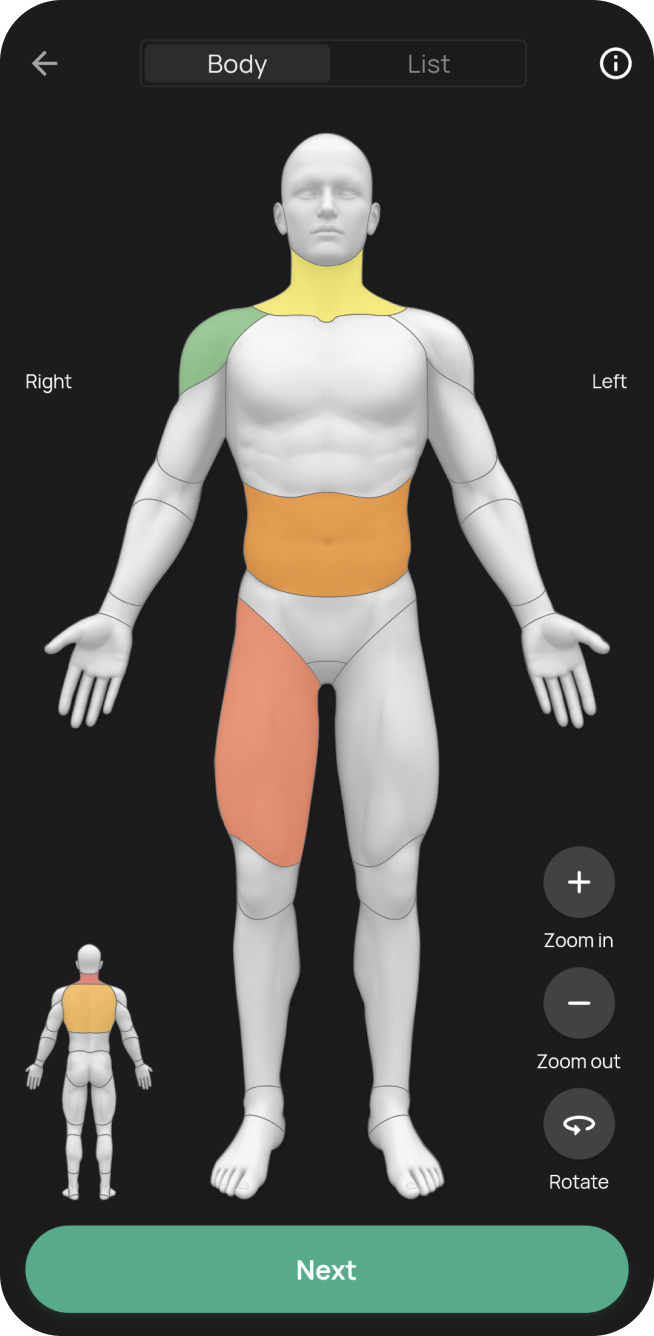
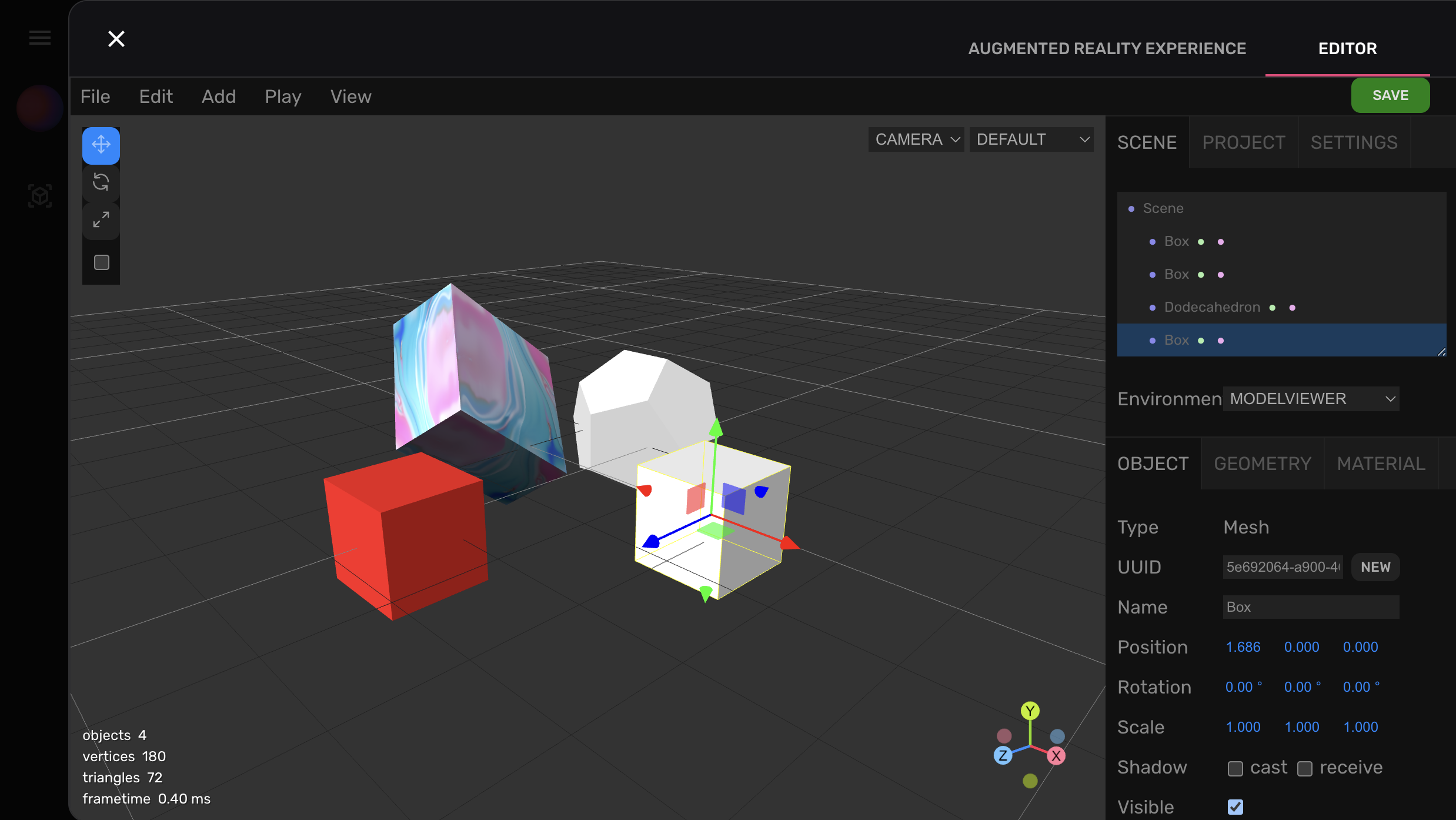
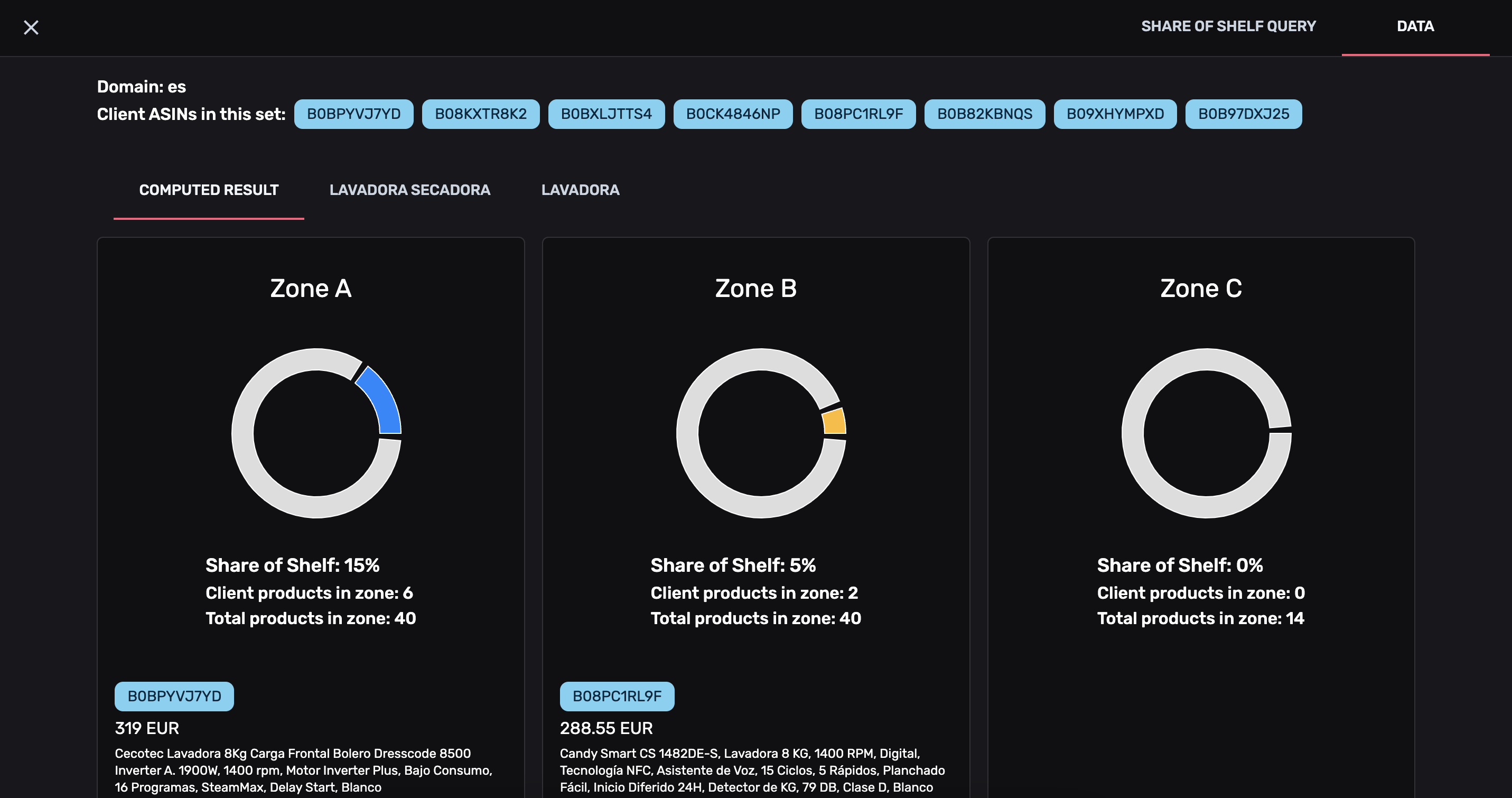
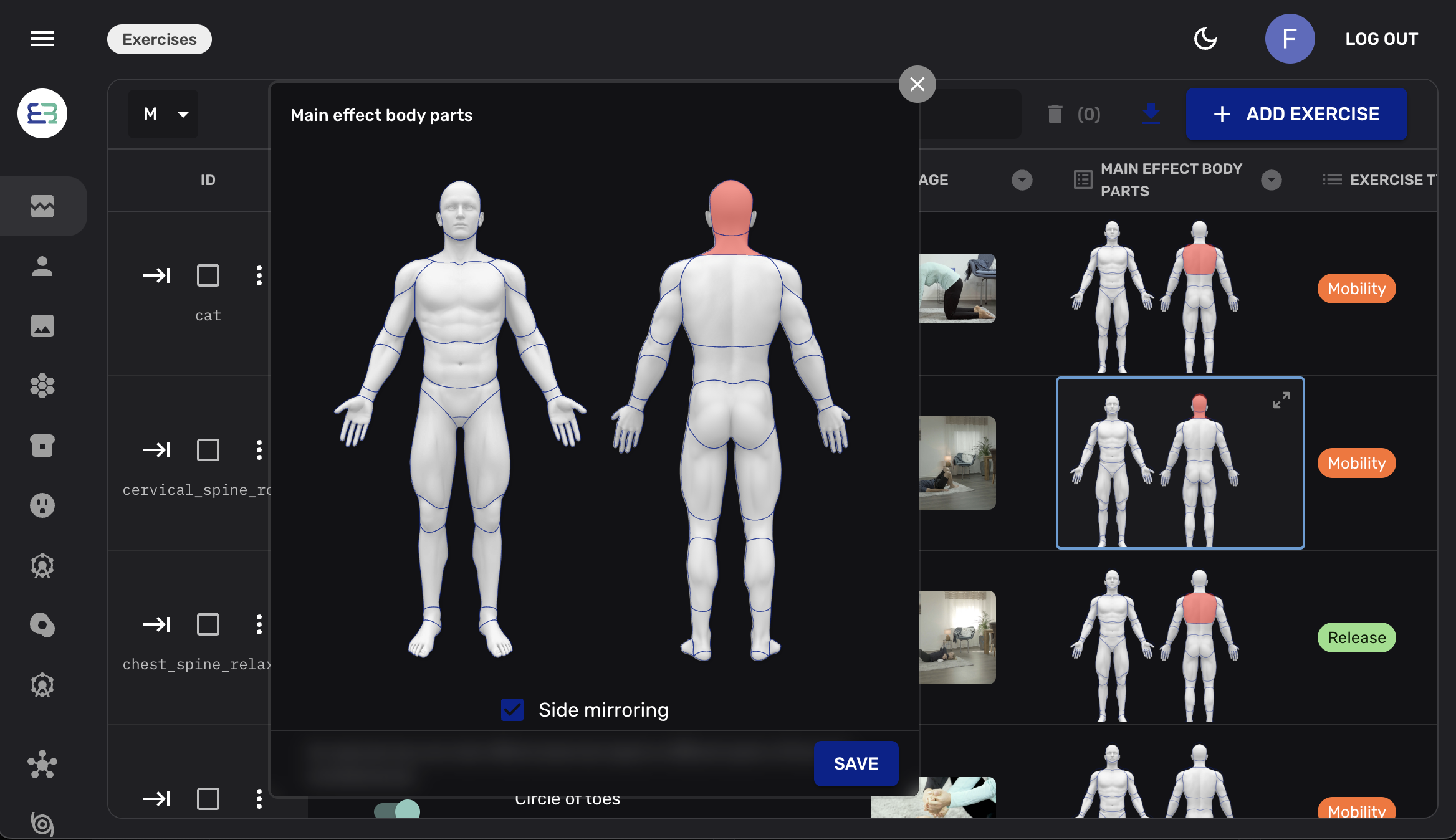

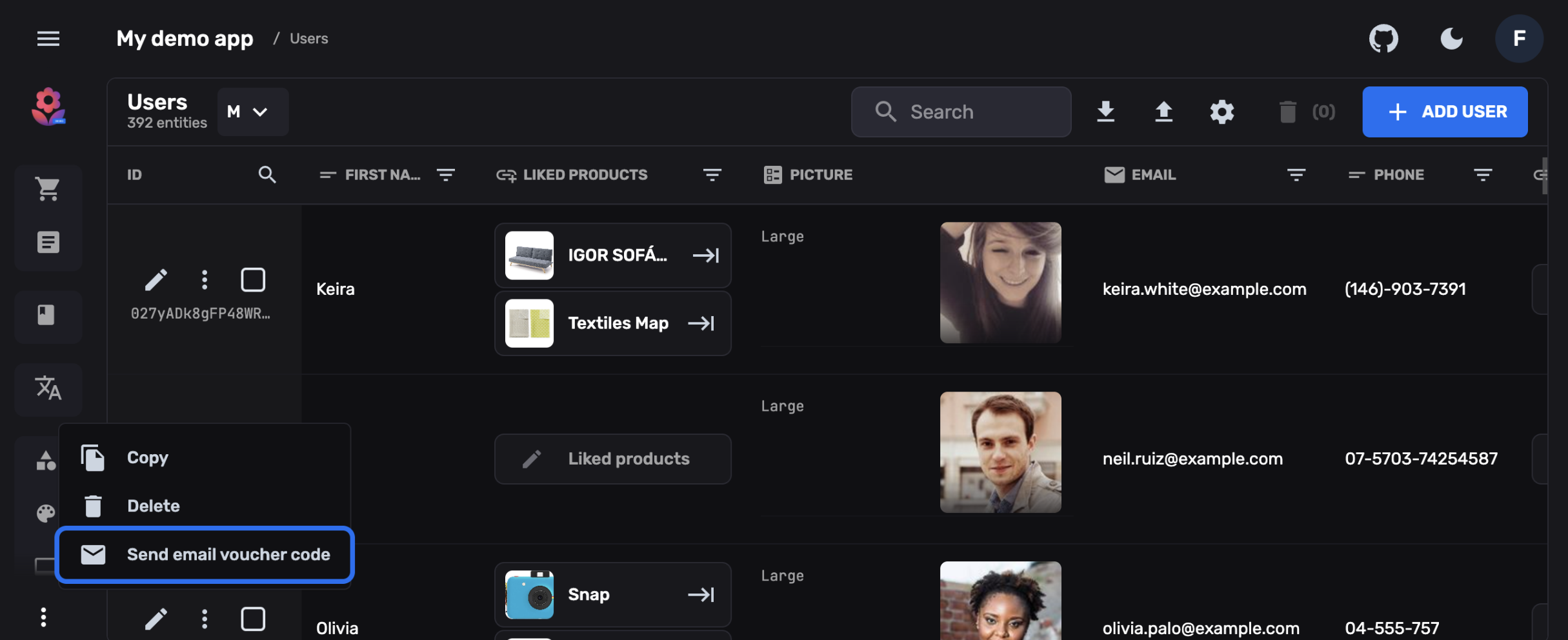
It is a backend, and a CMS is one thing you can render from it
The same collection definition that serves your app also renders the screens your team works in — and your own React goes wherever the generated one stops.
- Internal Tools: Tailored dashboards for support, ops, sales, or data admin on your backend.
- Headless Content: Manage content for web/mobile apps, marketing sites, blogs, docs.
- User Management: View, edit, and manage user profiles and permissions.
- Product/E-commerce Data: Manage catalogs, variants, pricing, inventory easily.
- App Configuration: Control settings, feature flags, or A/B tests via a UI.
- Background Jobs: Cron jobs for scheduled data processing, report generation, and external API syncs.
- Third-Party Integrations: Webhooks and custom functions for Stripe, Slack, or any external service.
Built for the pivot
Change a collection and the schema, the REST routes, the OpenAPI document, the typed SDK, the policies and the panel all move with it. There is no second data model to remember to update, which is the part that usually rots.
See both layers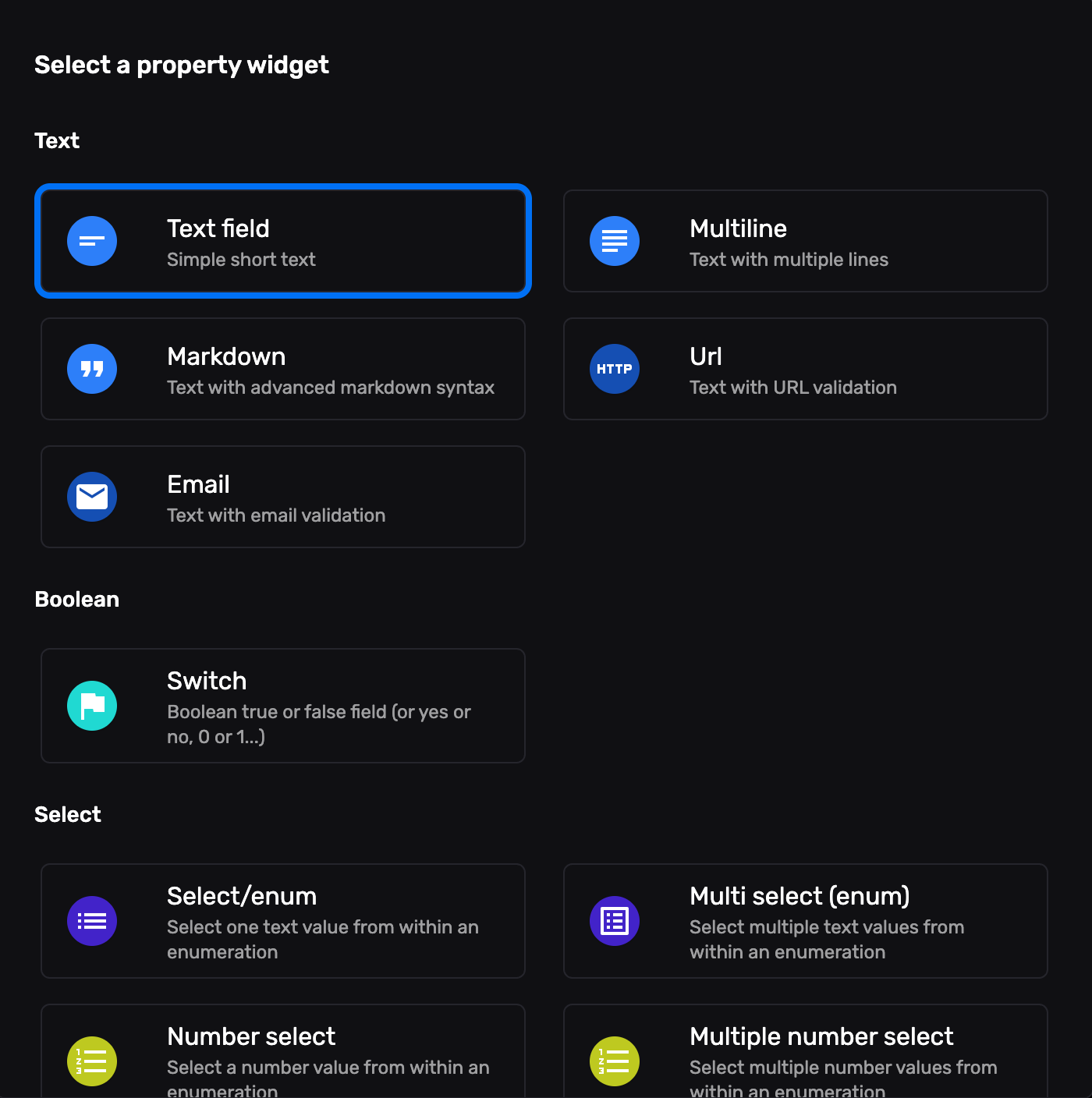
Ship the back office this sprint.
Scaffold against the Postgres you already run and hand the panel to your team — without building a single admin screen.