The editing experience
your team deserves.
A Notion-style block editor, drag-and-drop Kanban boards, spreadsheet views, and fully extensible custom fields — all writing directly to your Postgres database.
The real Rebase rich text editor — try typing, it's fully interactive.
Every block you need.
The editor supports a comprehensive set of content blocks — from simple text to complex embeds. All stored as structured data in your database.
Rich Text & Headings
Bold, italic, strikethrough, inline code, and 3 heading levels. Markdown shortcuts auto-convert as you type.
Code Blocks
Fenced code blocks with syntax highlighting for 100+ languages. Perfect for technical documentation and developer content.
Image Uploads
Drag-and-drop or paste images directly into the editor. Files are stored via your configured storage provider.
Task Lists
Interactive checkboxes for TODO lists and checklists. Track progress right inside your content.
Tables
Inline editable tables with row and column controls. Add structured data directly inside rich text content.
Drag & Drop
Reorder any block by dragging. Move paragraphs, images, and code blocks to restructure your content visually.
Type / to do anything.
A contextual command palette appears when you type / — just like Notion. Insert images, code blocks, tables, dividers, and more without lifting your fingers from the keyboard.
- ✓ Fuzzy search across all available block types
- ✓ Register custom slash commands from your code
- ✓ Keyboard navigable — never leave your flow
Drag cards, update your database.
Every collection with an enum or status field automatically gets a Kanban view. Drag cards between columns to update records — no code, no config. Backed by real Postgres writes.
- ✓ Auto-generated from any enum or status property
- ✓ Drag-and-drop with optimistic database updates
- ✓ Filterable, sortable, and fully responsive
Edit like a spreadsheet. Save like a database.
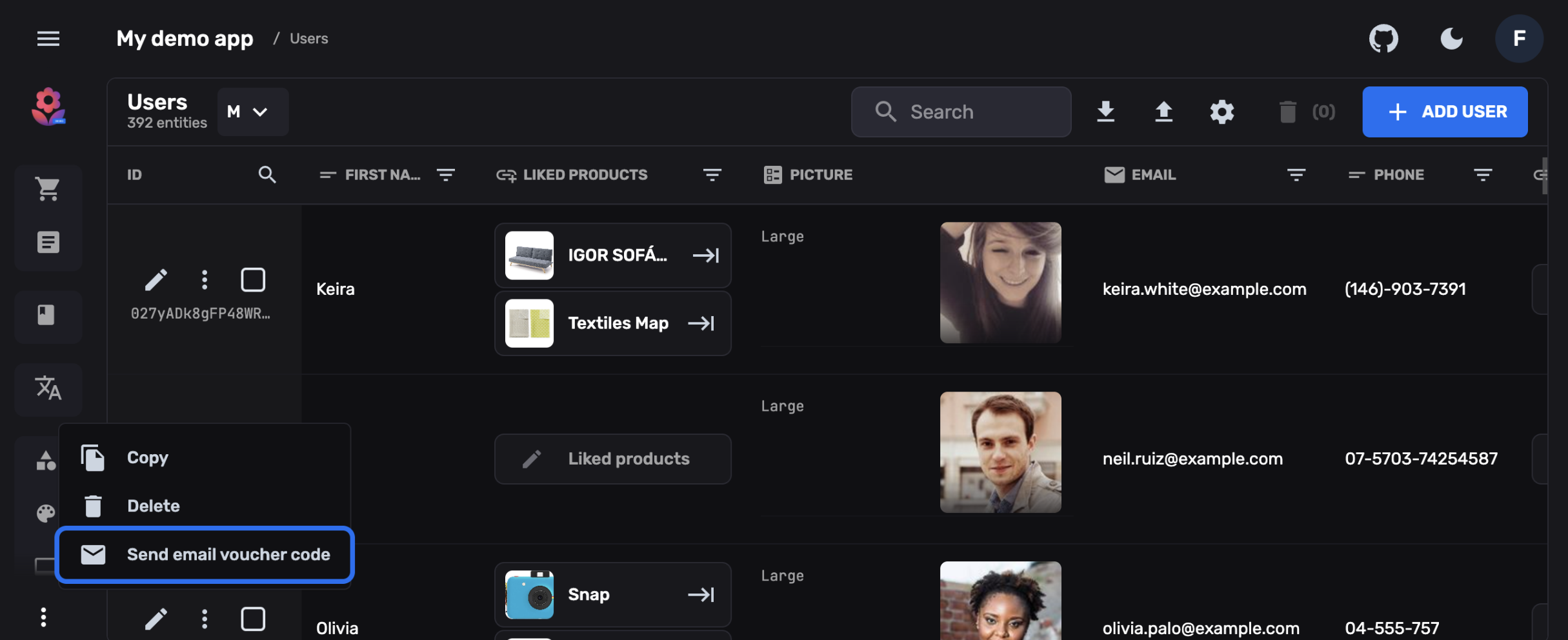
Click any cell and start typing. Changes are persisted directly to Postgres. Sort, filter, bulk-select, and export — all from a familiar grid interface that non-technical users love.
- ✓ Click-to-edit cells with type-aware inputs
- ✓ Multi-row selection and bulk actions
- ✓ Column resizing, reordering, and visibility toggles
- ✓ CSV / JSON export with one click
20+ fields. Or build your own.
Text, numbers, dates, enums, arrays, maps, references, file uploads, rich text, JSON, and more — all pre-built. Need a color picker, a rating widget, or a map selector? Build it in React and plug it in.
- ✓ 20+ built-in field types with custom rendering
- ✓ Custom field widgets via standard React components
- ✓ Conditional field logic and validation rules
- ✓ Preview panels for real-time content previews
One editor. Every content type.
From blog posts to product descriptions to internal docs — Rebase adapts to how your team works.

Content Teams
Write blog posts with the rich text editor. Drag blocks, insert media, and preview — no developer needed.
Operations
Manage data with spreadsheet views and Kanban boards. Bulk edit, filter, and export to CSV in seconds.

Developers
Build custom entity views, preview panels, and field widgets — all in standard React and TypeScript.
See the editor in action.
Try the live demo or start a project and have a full editing experience running in under 5 minutes.