
Actions d'entité
Vue d’ensemble
Section intitulée « Vue d’ensemble »Les actions d’entité sont des boutons personnalisés qui s’affichent sur les entités individuelles. Utilisez-les pour des opérations telles que la publication, l’archivage, le clonage ou le déclenchement de workflows externes.
Définir des actions d’entité
Section intitulée « Définir des actions d’entité »import { defineCollection } from "@rebasepro/cms-types";import { resolveSelection } from "@rebasepro/cms";import { iconSize } from "@rebasepro/ui";import { Copy, Upload } from "lucide-react";
const articlesCollection = defineCollection({ slug: "articles", name: "Articles", table: "articles", properties: { id: { name: "ID", type: "number", isId: "increment" }, name: { name: "Name", type: "string" }, status: { name: "Status", type: "string" }, publishedAt: { name: "Published At", type: "date" } }, admin: { entityActions: [ { name: "Publish", icon: <Upload size={iconSize.small}/>, onClick: async ({ entity, context }) => { if (!entity || !context) return; await context.data.collection<Record<string, unknown>>(entity.path) .update(entity.id, { status: "published", publishedAt: new Date() }); context.snackbarController?.open({ type: "success", message: "Article published!" }); } }, { name: "Clone", icon: <Copy size={iconSize.small}/>, onClick: async ({ entity, context }) => { if (!entity || !context) return; const { id, ...values } = entity.values; await context.data.collection<Record<string, unknown>>(entity.path) .create({ ...values, name: values.name + " (Copy)" }); } } ] }});Où une action apparaît
Section intitulée « Où une action apparaît »Une action apparaît sur l’enregistrement, aussi bien dans son formulaire d’édition que dans sa vue en lecture seule, ainsi que sur les lignes du tableau de la collection. Par défaut, elle attend dans le menu de débordement (⋮) aux deux endroits.
Définissez collapsed: false sur l’action pour laquelle on ouvre l’enregistrement, et elle obtient son propre bouton :
- Sur l’enregistrement, elle devient un bouton libellé dans la barre, avant Enregistrer (ou Modifier, dans la vue en lecture seule). Quand la place manque dans la barre, comme dans un panneau latéral, une boîte de dialogue ou une fenêtre étroite, les boutons perdent d’abord leur libellé et gardent l’icône, avec le nom dans une info-bulle. Si cela ne suffit toujours pas, les dernières déclarées retournent dans le menu : déclarez donc la plus importante en premier.
- Sur une ligne du tableau, elle devient une icône à côté de Modifier lorsque la ligne est survolée.
{ name: "Publish", icon: "Upload", collapsed: false, // un bouton sur l'enregistrement, une icône sur la ligne onClick: async ({ entity, context }) => { /* … */ }}Réservez-le à la ou aux deux actions qui justifient l’ouverture de l’enregistrement. Les autres se lisent mieux dans le menu, qui les range en trois groupes : d’abord les actions propres à la collection, dans l’ordre où vous les avez déclarées ; puis Copier, Historique et Inspecter ; enfin Supprimer, en dernier et à part.
| Propriété | Défaut | Effet |
|---|---|---|
collapsed |
true |
false fait de l’action un bouton sur l’enregistrement et une icône sur la ligne du tableau |
includeInForm |
true |
false retire l’action de l’enregistrement et la laisse sur les lignes de la collection |
showActionsInListView |
false |
true affiche l’action sous forme d’icône sur chaque ligne de la vue liste |
isEnabled |
— | Renvoyez false pour afficher l’action désactivée, en bouton ou en élément de menu |
disabledReason |
— | Indique pourquoi une action désactivée n’est pas disponible : sous son nom dans le menu, et en info-bulle d’un bouton ou d’une icône désactivés |
nameKey |
— | Une clé de traduction pour le nom. L’admin affiche sa traduction dans la langue courante, et name lorsque la clé n’en a pas. Les actions intégrées la définissent, si bien que Modifier, Copier et Supprimer suivent la langue de l’admin |
Une action désactivée qui ne dit pas pourquoi a l’air cassée. disabledReason reçoit les mêmes props que isEnabled et peut donc nommer ce qui manque :
{ name: "Resend to Shopify", isEnabled: ({ entity }) => Boolean(entity?.values.shopify_id), disabledReason: () => "Ce client n'a pas de compte Shopify", onClick: async ({ entity, context }) => { /* … */ }}Sur l’enregistrement, un bouton dont le onClick renvoie une promesse en attente affiche un indicateur de chargement et ne peut pas être pressé à nouveau tant que la promesse n’est pas réglée. Si l’action lève une erreur ou si sa promesse est rejetée, l’utilisateur voit l’erreur dans une notification. La vue en lecture seule n’a pas de formulaire : formContext y est donc undefined.
Actions de collection
Section intitulée « Actions de collection »Pour les actions au niveau de la barre d’outils qui s’appliquent à la collection ou aux entités sélectionnées :
import { defineCollection } from "@rebasepro/cms-types";import { useData } from "@rebasepro/app";import { resolveSelection } from "@rebasepro/cms";function PublishSelectedAction({ selectionController, path }: CollectionActionsProps) {    const data = useData();    const handlePublish = async () => {        // `selection` is either the rows that were ticked or a query standing        // for every row that matches — `resolveSelection` reads them, one page        // at a time, and refuses rather than returning a prefix.        const selected = await resolveSelection({            selection: selectionController.selection,            accessor: data.collection(path)        });        for (const entity of selected) {            await data.collection(entity.path).update(entity.id, { status: "published" });        }    };
    return (        <button onClick={handlePublish}>            Publish {selectionController.selectedCount ?? "all"} selected        </button>    );}
// Register — `Actions` is an array, so several can be composed.const collection = defineCollection({    slug: "products",    name: "Products",    table: "products",    properties: { /* … */ },    admin: {        Actions: [PublishSelectedAction]    }});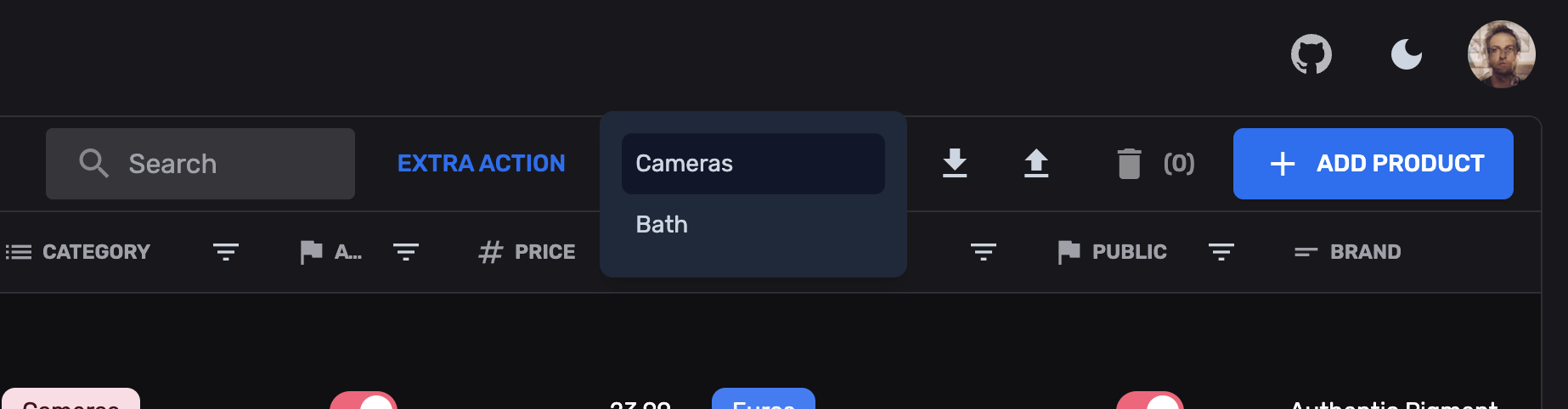
Prochaines étapes
Section intitulée « Prochaines étapes »- Colonnes supplémentaires — Colonnes de tableau calculées
- Champs personnalisés — Champs de formulaire personnalisés